Payments
This guide provides an overview of everything you need to know about the Payments section.
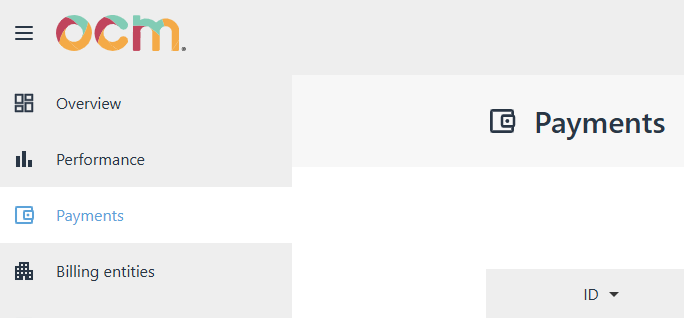
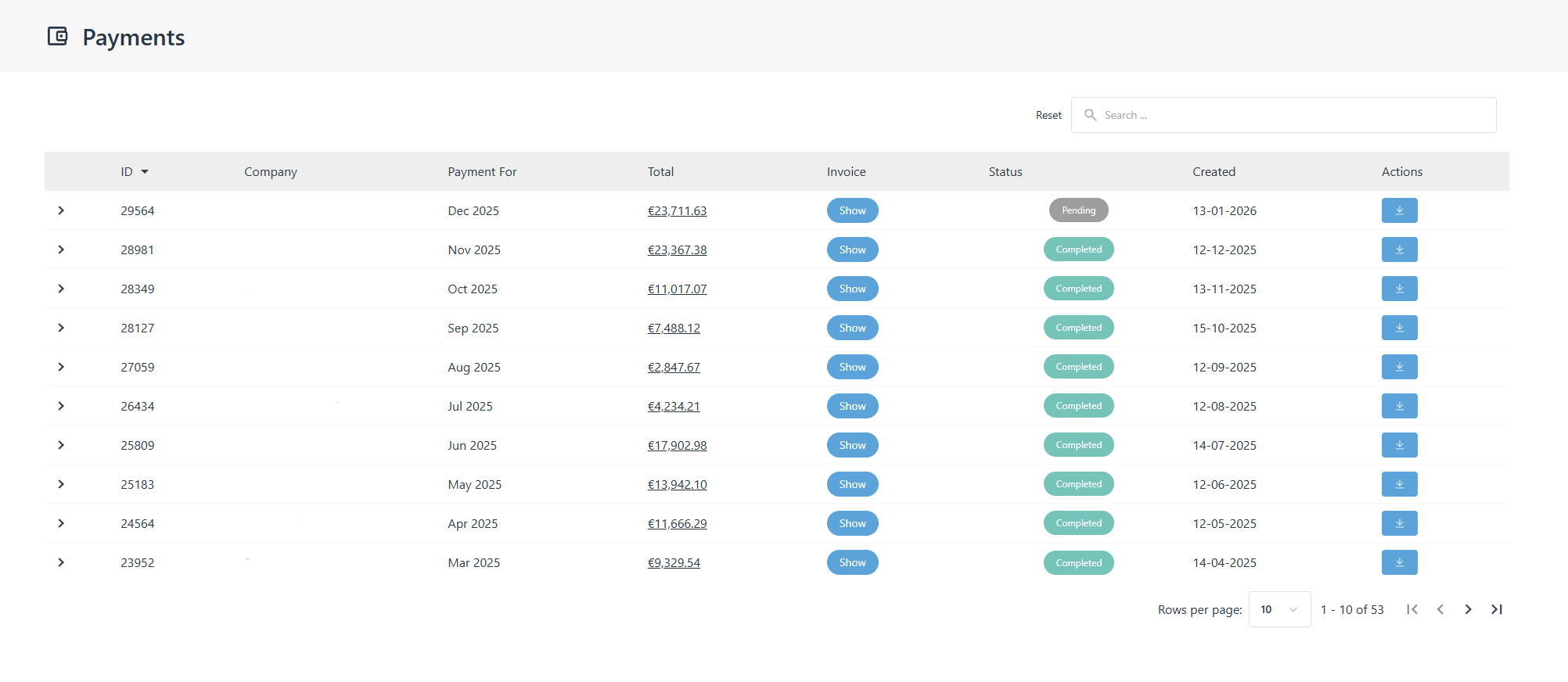
In the Payments area, you can find detailed information about your invoices, including:
- Company name
- Month and year
- Total amount
- Invoice – You can click the relevant button to upload your Insertion Order or view your invoice
- Payment status
- Creation date
- Actions – From here, you can download the invoicing request
When do I get paid?
Revenue clearance for the previous month is completed after the 13th of the current month. Payments are processed after the 25th, provided that we have received the corresponding invoice.
You will receive an invoicing request by email for the previous month's earnings. This email includes:
- Invoicing details
- Services provided
- A detailed breakdown of your earnings
- The total amount to be invoiced
How to upload the invoice
Once we send you the invoice note, go to the Payments section next to the respective month, and under the Invoice column click Invoices and then "Upload Invoice" and follow the steps to upload the invoice.
If the total amount is less than 70€, the payment is not executed and the amount is transferred to the next month's payment.
Important Deadlines
For any changes you wish to implement, please notify us at [email protected] until the 10th of each month.
Support
If you require any help or extra information, do not hesitate to contact us at: [email protected]